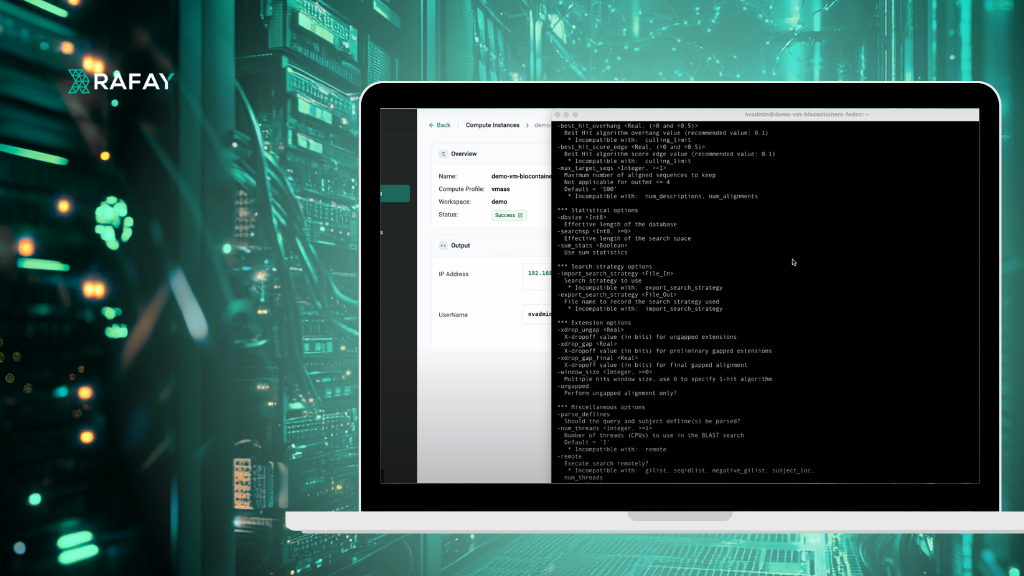
In this step-by-step guide, the Bioinformatics data scientist will use Rafay’s end user portal to launch a well resourced remote VM and run a series of BioContainers with Docker.
Prerequisites
Access to Rafay’s end user self-service portal (i.e. Developer Hub)
An SSH client (e.g., PuTTY on Windows, Terminal on macOS/Linux)
An SSH Public Key
Step 1: Launch a Remote VM
This step covers the creation and deployment of the remote VM using Rafay’s Developer Hub. Watch a brief video of the end user experience below.
Navigate to Compute Instances:
Log in to your Developer Hub. On the dashboard or navigation menu, find and click on “Compute Instances.
Create a New Compute Instance:
Click the “New Compute Instance” button.
Select a Compute Profile:
From the “Compute Profile” dropdown, choose a profile that meets your needs, for example, “VMAAS – Large (4 GPU)” if you require significant GPU resources.
Configure Instance Details:
Fill in the required details for your new VM
Name: Enter a descriptive name (e.g., demo-vm-biocontainers).
Compute Profile: Confirm your selected profile (e.g., vmaas).
Workspace: Select your desired workspace (e.g., demo).
CPUs: Specify the number of CPUs (e.g., 44 vCPUs).
Disk Storage (GB): Set the disk size (e.g., 100 GB).
GPUs: Specify the number of GPUs (e.g., 1 GPU).
Memory (MB): Set the memory allocation (e.g., 130 GB).
Image: Choose the operating system image (e.g., Ubuntu 24.04).
Note that the user can request substantial compute, memory, GPU, and storage resources that are not possible on end user laptops.
Add SSH Public Key:
Paste your SSH Public Key into the designated field.
Note that this SSH key will be used to securely connect to the remote VM.
Create and Publish the Instance:
Click the “Create” or “Publish” button to initiate the VM deployment.
Monitor Deployment Status:
Observe the deployment status. It will typically transition through “Pending,” “In Progress,” and finally to “Success.”
Once successful, note down the IP Address and Username displayed for your VM. These are crucial for connecting via SSH.
Step 2: Launch a BioContainer Using Docker on the Remote VM
This step details how to connect to your VM and run Docker commands to manage and execute BioContainers.
1. Connect to Your Remote VM via SSH:
Open your SSH client (e.g., Terminal on macOS/Linux, PuTTY on Windows).
Use the ssh command with the Username and IP Address you noted earlier:
Once connected, ensure Docker is correctly installed by checking its version:
docker --version
You should see output similar to Docker version 24.0.5, build 24.0.5-0ubuntu1~22.04.1.
3. Create a Host Data Directory:
mkdir host-data
4. Test Run a BioContainer (Get Help):
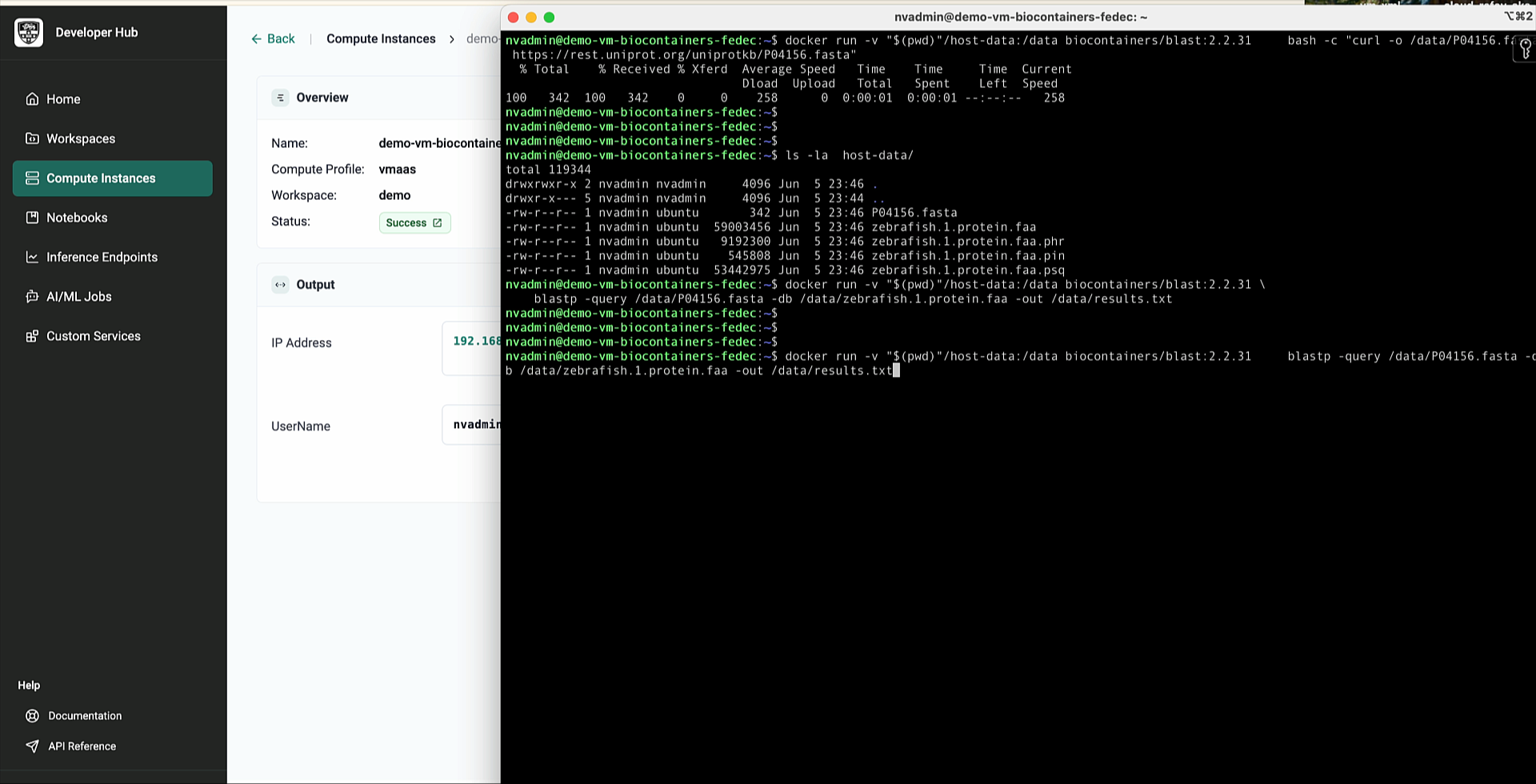
docker run biocontainers/blast:2.2.31 -help
5. In this example, we are using BLAST, which is an acronym for Basic Local Alignment Search Tool.
6. List Downloaded Docker Images:
docker images
7. BioContainer images can be large. This is another benefit of using a Remote VM for these operations.
8. Download and Unzip Data for BLAST (using Docker):
docker run --rm -v $(pwd)/host-data:/host-data biocontainers/wget:1.20.3 wget -P /host-data https://ftp.ncbi.nlm.nih.gov/blast/executables/LATEST/blast-2.2.31-src.tar.gz
The video used wget to download a .tar.gz file. For a direct example of downloading a protein FASTA, replace the URL with a publicly available protein FASTA file.
Unzip the downloaded protein file:
docker run --rm -v $(pwd)/host-data:/host-data biocontainers/gzip:1.9 gzip -d /host-data/zebrafish.1.protein.faa.gz
Conclusion In the previous blog, we reviewed how BioContainers represent a transformative leap forward for bioinformatics, offering unparalleled reproducibility, ease of use, and portability.
In this blog, we reviewed the steps data scientists can follow to successfully launch a remote VM, securely access it, and perform a basic bioinformatics task using BioContainers!
DockerCon19 Takeaway: Operationalizing Container Environments is the #1 Problem
At DockerCon 19 , a number of companies, including Docker , announced new and upcoming products that simplify the deployment and cluster bringup of running containerized applications across public and private cloud environments. Their value propositions are simple: “We’ll help you run your containerized apps anywhere.